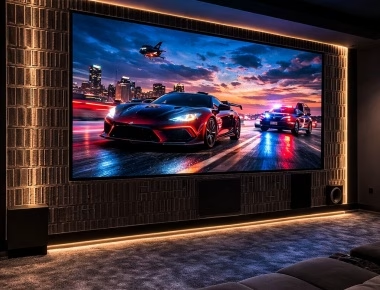
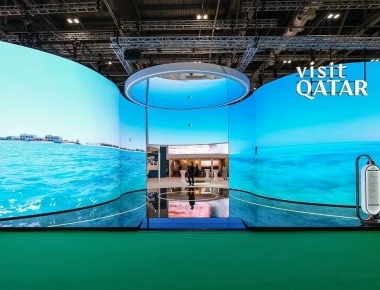
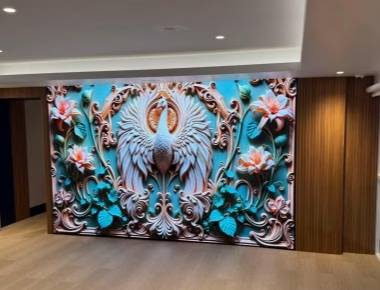
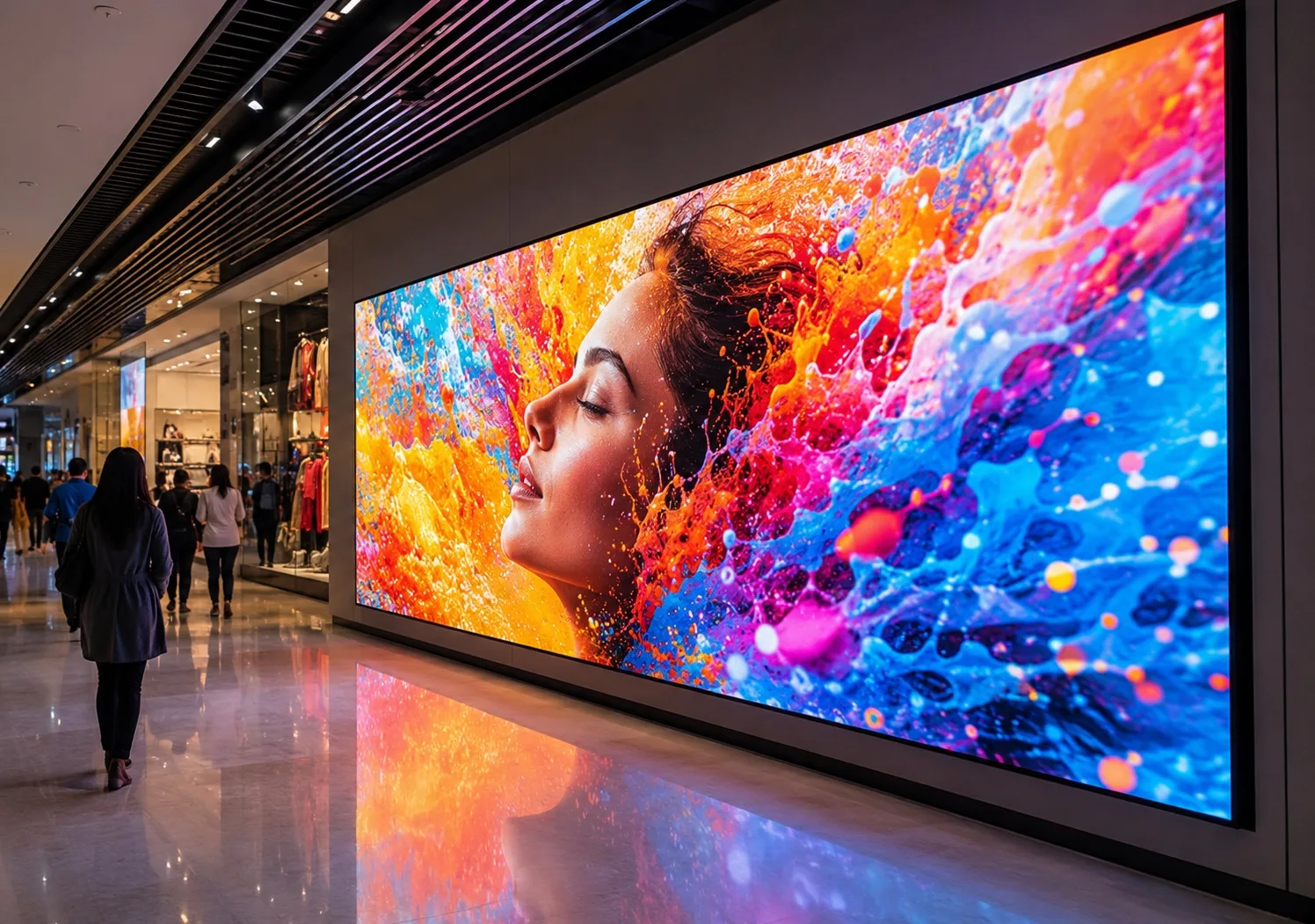
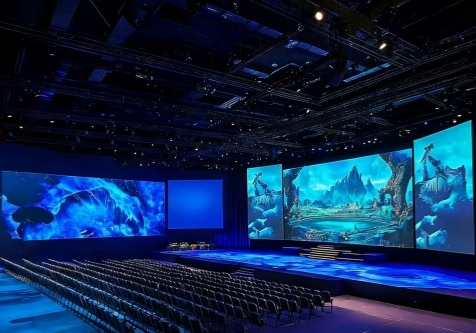
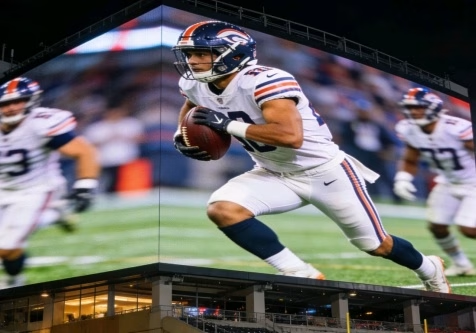
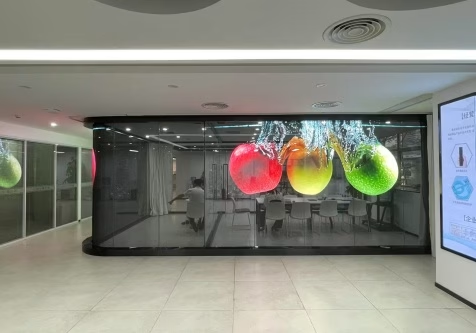
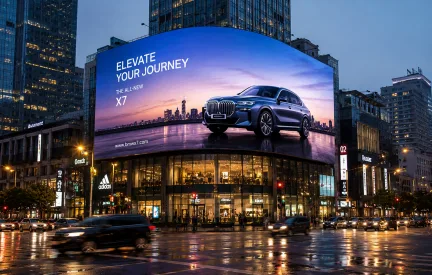
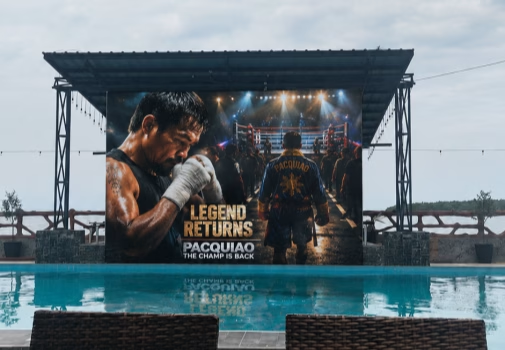
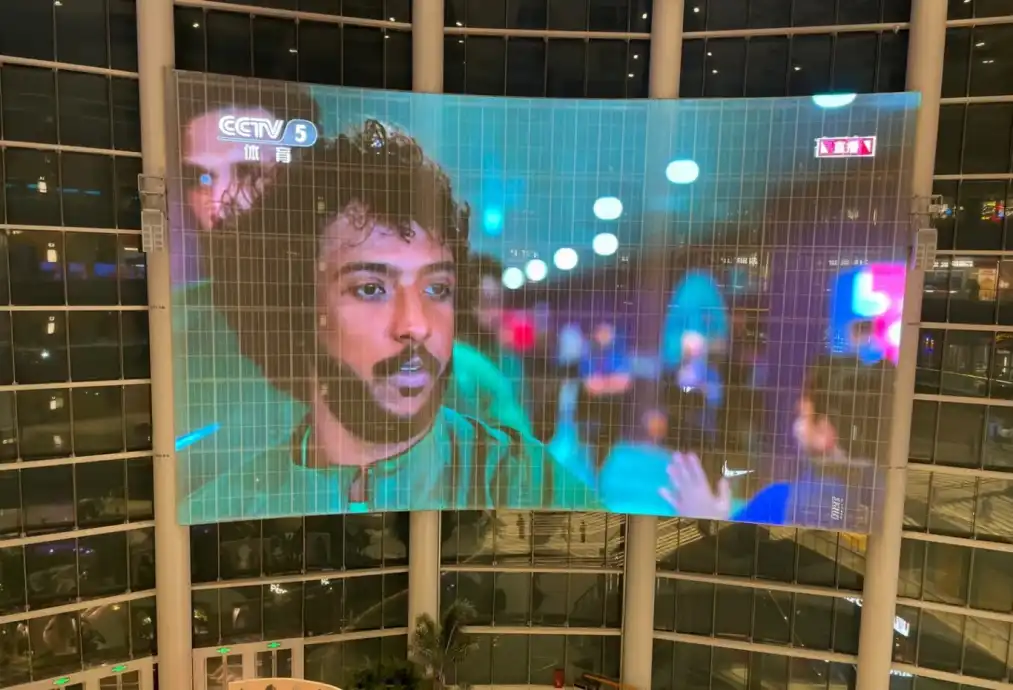
An indoor LED display is usually purchased as part of a larger AV, architectural, or operational system. The screen must fit the room, show the required content from the intended viewing positions, connect to existing sources, remain serviceable after installation, and meet the buyer’s expectations for daily operation.
This guide is written for AV integrators, corporate IT and AV teams, retailers, and control-room contractors comparing an indoor LED screen for a permanent commercial project. It focuses on the decisions that affect usability, image quality, installation risk, and total cost rather than treating pixel pitch as the only specification that matters.
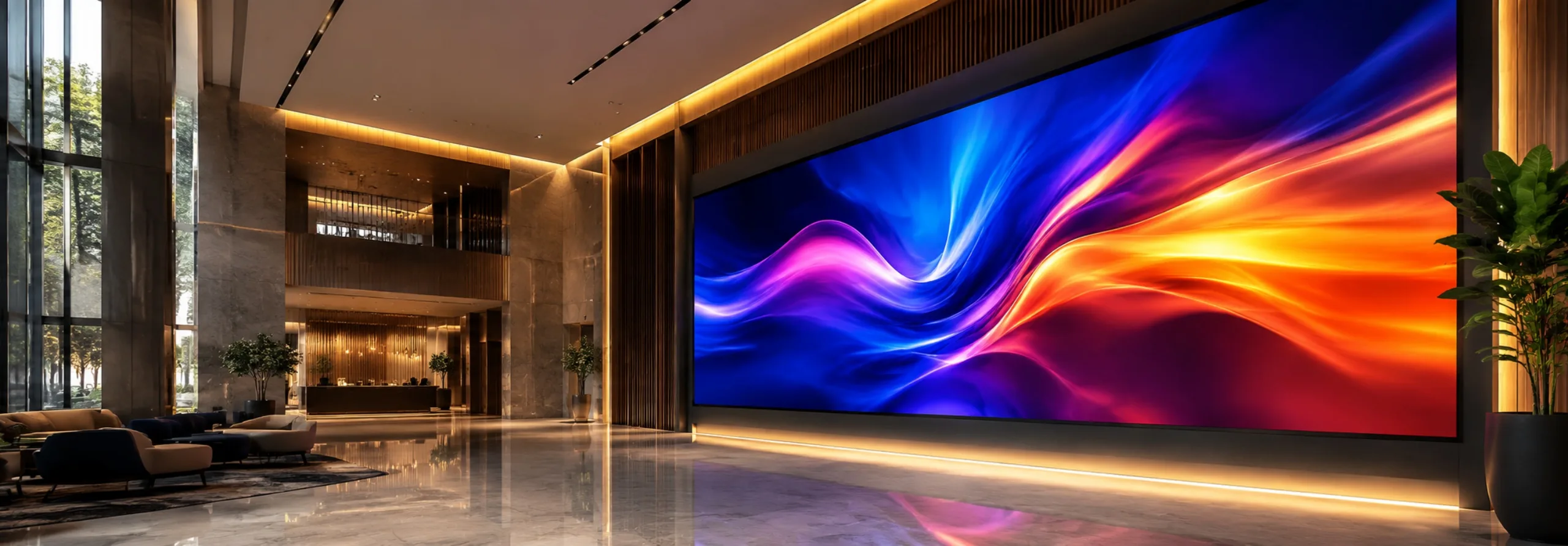
Commercial indoor screens should be selected from the room, content, viewing distance, operating schedule, and maintenance requirements.
Define the Use Case Before Selecting an LED Panel
A boardroom presentation wall, retail feature screen, corporate lobby, broadcast backdrop, and control-room visualization system do not have the same priorities. The first step is to describe how the display will be used and who must approve it.
Prepare the following information before requesting a quotation:
- Installation location and room drawings.
- Available wall width, height, and installation depth.
- Nearest, typical, and farthest viewing distances.
- Required screen dimensions and preferred aspect ratio.
- Content sources, formats, and smallest important text.
- Room lighting and direct light falling on the screen.
- Daily operating hours and critical-use periods.
- Front or rear maintenance access.
- Existing AV, network, control, and power infrastructure.
- Quantity, delivery date, installation schedule, and budget range.
Use the project brief to compare suitable indoor LED display configurations. A product that looks impressive in a showroom may not be appropriate for the project’s viewing distance, content, or service conditions.
Choose Pixel Pitch From Viewing Distance and Content
Pixel pitch is the distance between adjacent pixel centers. A smaller pitch increases pixel density and can improve close-range detail, but it also increases the number of pixels, processing load, and usually the project cost. A larger pitch may be entirely suitable where viewers stand farther away or where the content uses large graphics and text.
Do not select pitch from one distance formula. Evaluate these factors together:
- The closest position from which important content must look acceptable.
- The physical screen size and resulting native pixel resolution.
- The type and size of text, charts, dashboards, video, and brand assets.
- Whether viewers are seated, standing, walking, or monitoring continuously.
- Whether cameras will capture the screen.
- The budget difference between practical pitch options.
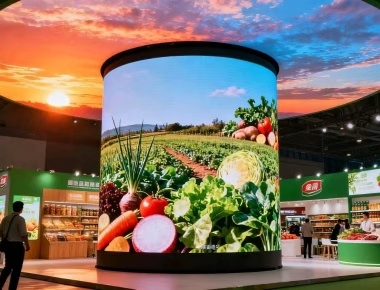
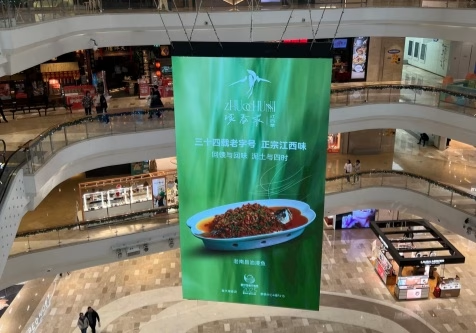
For example, a control room displaying several data windows may need more usable pixels than a lobby wall showing large-format brand video. A retail screen viewed from two meters places different demands on pitch and content design than a display installed above an atrium.
Ask the supplier or integrator to calculate the native resolution for each proposed screen size. Then test real content at full scale or simulate it accurately. This exposes unreadable text and unsuitable layouts before the system is ordered.
| Application |
Primary Visual Requirement |
Content Test |
| Corporate meeting room |
Readable presentations and video conferencing |
Spreadsheets, shared screens, participant layouts, small text |
| Retail store |
Close-view product imagery and brand consistency |
Product details, skin tones, gradients, logos, campaign video |
| Corporate lobby |
Architectural impact and wide viewing coverage |
Brand film, visitor information, ambient content |
| Control room |
Continuous legibility and operational reliability |
Dashboards, maps, alerts, multi-source layouts |
Calculate Screen Size and Resolution Together
Buyers often specify a diagonal size or wall area without considering the pixel canvas. For an indoor LED video wall, physical dimensions, module dimensions, cabinet dimensions, pixel pitch, and aspect ratio must work together.
Confirm the exact active display width and height, cabinet layout, total pixel resolution, and any unused architectural space. If the main source is 16:9 video, a 16:9 screen can simplify scaling, but some retail and lobby designs intentionally use portrait or custom formats. In those cases, the content team must receive the final pixel dimensions early.
Also determine whether the proposed display resolution is sufficient for the application without assuming that every large screen must be 4K. The useful resolution is the one that makes the required content readable from the actual viewing position.
Brightness, Contrast, and Room Lighting
Indoor brightness should be treated as a controllable operating range. A screen near windows or under strong retail lighting may need more output than a display in a dim control room. Running an LED wall brighter than necessary can create viewer discomfort, make black levels appear weaker, complicate camera exposure, and increase power consumption.
Ask how the display performs at the brightness level expected in daily use. Test dark scenes, gradients, fine text, neutral gray, skin tones, and brand colors. Surface finish, ambient reflections, LED packaging, mask design, calibration, and grayscale processing can be as important as the maximum brightness figure.
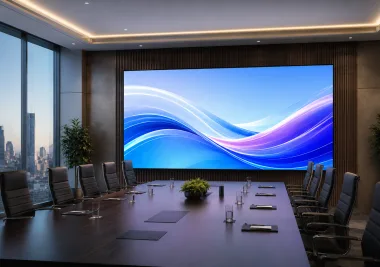
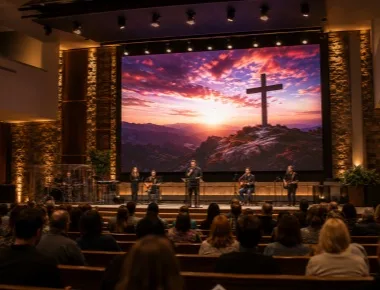
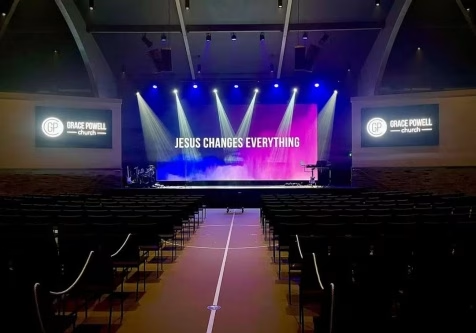
Meeting-room projects require readable shared content, controlled brightness, appropriate resolution, and integration with conferencing systems.
Compare SMD, COB, GOB, and Other Packaging Options
Indoor LED panels may use different LED packaging and protection approaches. The correct choice depends on pitch, viewing distance, image requirement, physical risk, maintenance capability, and budget. Technology names should not replace a project-level comparison.
| Option |
Typical Buying Reason |
What to Verify |
| SMD |
Mature, widely available solution for many commercial applications |
Pixel consistency, repair method, close-view appearance, module availability |
| COB |
Fine-pitch, close-view applications and a protected display surface |
Surface finish, color uniformity, repair process, module replacement cost |
| GOB or coated SMD |
Additional surface protection where panels may be touched or impacted |
Coating quality, reflection, color consistency, long-term service procedure |
| HOB or supplier-specific technology |
Project-specific balance of protection and optical performance |
Clear construction definition, test evidence, warranty, replacement compatibility |
For close-view boardrooms, control rooms, and premium retail spaces, compare the available fine-pitch LED display solutions using the same content, brightness, camera, and service tests. Do not assume that a smaller pitch or newer packaging label automatically produces a better project outcome.
Fixed Installation and Maintenance Access
Most commercial projects use a permanent structure, but the indoor LED panel still needs maintenance. Front-service systems allow modules and key components to be removed from the display side and are often appropriate where the wall is shallow. Rear-service systems need safe working space behind the screen but may provide convenient access in purpose-built rooms.
Before approving an indoor fixed LED display, review:
- Cabinet and module dimensions.
- Total screen and supporting-structure weight.
- Wall flatness and alignment tolerances.
- Front or rear component-removal procedure.
- Ventilation and heat paths.
- Power and data cable routes.
- Access to isolators, processors, and network equipment.
- How technicians reach the top and center of a large wall safely.
Ask the supplier to demonstrate the replacement of an LED module, power supply, and receiving card. A service claim is useful only when the procedure works within the actual architectural constraints.
Video Processing and Source Integration
The processor converts and maps source content to the display’s native resolution. The correct design depends on the number and type of inputs, switching requirements, window layouts, scaling, redundancy, and control-room workflow.
Confirm supported inputs and resolutions, HDCP requirements, source switching, latency, image scaling, multi-window layouts, backup sources, and remote control. Corporate IT teams should also define network ownership, user permissions, firmware management, and security responsibilities.
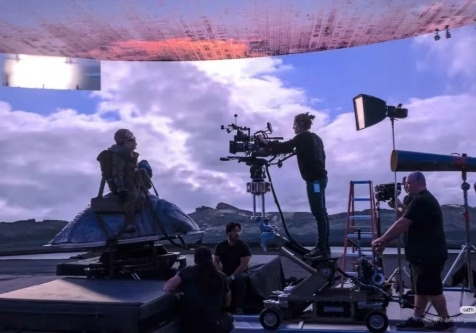
If the screen will be photographed, streamed, or used behind presenters, conduct a camera test. Refresh rate matters, but clean camera results also depend on scan mode, driver configuration, shutter speed, frame rate, brightness, grayscale, processing, and calibration.
Reliability for Control Rooms and Critical Spaces
Control-room buyers should define what happens when a component fails. Consider redundant power, signal paths, controllers, source devices, and network connections according to the operational risk. Monitoring should identify faults without creating an overly complex system that local staff cannot maintain.
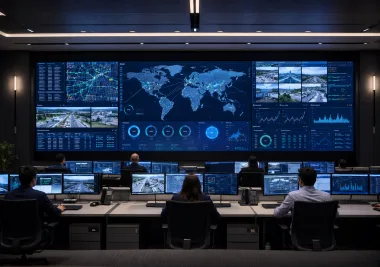
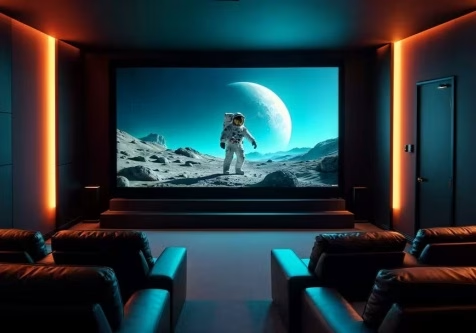
Control-room LED walls prioritize continuous legibility, predictable operation, rapid service, and source redundancy.
For high-definition applications, review the proposed HD indoor LED display configuration together with the processor, source layout, service plan, spare parts, and acceptance criteria.
Power, Heat, and Operating Cost
Request both maximum and typical power estimates for the final screen configuration. Electrical distribution should be designed for the engineered load, while annual operating cost should reflect the expected brightness and daily schedule.
The room’s cooling design must account for heat from the LED wall, power supplies, processor, and supporting equipment. Clarify whether heat is released into the occupied space, a rear service cavity, or a dedicated ventilation path. Noise from fans may be important in meeting rooms, broadcast spaces, and executive environments.
Total cost should include:
- LED cabinets, modules, controller, processor, and accessories.
- Supporting frame, wall preparation, trim, and architectural finishing.
- Electrical distribution, data cabling, and network integration.
- Installation, commissioning, calibration, and user training.
- Spare modules, power supplies, receiving cards, and tools.
- Energy, cooling, software licenses, preventive maintenance, and access equipment.
How to Compare Supplier Quotations
Issue the same scope to every bidder. A useful quotation should identify the proposed technology, pixel pitch, cabinet layout, active dimensions, native resolution, brightness range, refresh configuration, service method, controller, processor, spare package, structure interface, power estimate, delivery time, warranty, and support process.
Ask what is excluded. Wall reinforcement, electrical work, network services, content production, control programming, lifting equipment, installation labor, and local approvals may be assigned to different contractors. Define these responsibilities before signing a purchase order.
Pre-Shipment and Site Acceptance
Agree on acceptance tests before production. Factory inspection should use the final cabinet configuration, control files, and representative customer content. Check cabinet alignment, pixel defects, color and brightness uniformity, gradients, text clarity, camera behavior where applicable, control functions, spare parts, labels, and packing.
At site, confirm screen dimensions, flatness, mounting security, cable routes, power distribution, grounding, ventilation, processor configuration, source switching, brightness presets, and maintenance access. Store final calibration files, wiring drawings, passwords, firmware records, manuals, and spare-parts inventory under controlled ownership.
Frequently Asked Questions
What pixel pitch is best for an indoor LED display?
The appropriate pitch depends on the closest viewing distance, screen size, native resolution, content detail, and budget. Test real text, dashboards, presentations, and video from the intended viewing positions before approval.
How bright should an indoor LED screen be?
Brightness should match room lighting and intended use. Specify a comfortable operating range and test image quality at the level used every day, not only at maximum output.
Is COB always better than SMD for an indoor LED video wall?
No. COB can be attractive for fine-pitch and close-view applications, while SMD remains practical for many commercial projects. Compare image quality, surface protection, repair process, module availability, and total cost for the specific installation.
Should a permanent indoor LED wall use front maintenance?
Front maintenance is useful where there is little or no rear access. Rear service can be appropriate in a purpose-built room with safe access. The choice should be confirmed against the wall depth and demonstrated component-replacement procedure.
What information is needed for an accurate quotation?
Provide the location, drawings, screen dimensions, viewing distance, content type, pixel pitch or resolution expectation, room lighting, service access, source requirements, quantity, delivery schedule, and budget range.
Final Buying Advice
An indoor LED display should be purchased as a complete visual and operational system. Pixel pitch, screen size, native resolution, brightness, packaging technology, processing, structure, service access, power, and cooling must support the same project brief. A content demonstration and service test are more valuable than choosing from headline specifications alone.
For a project-specific recommendation, provide the installation location, dimensions, nearest viewing distance, expected pixel pitch or brightness requirement, quantity, content sources, timeline, and budget range. These details allow suppliers to prepare a technically comparable configuration and a more reliable commercial quotation.