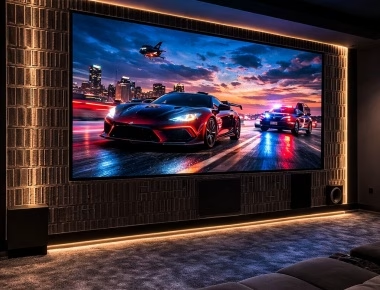
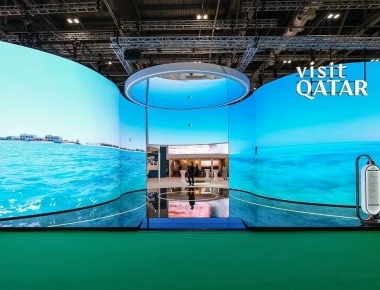
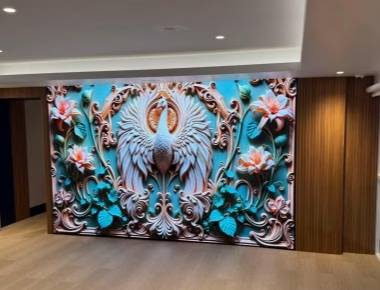
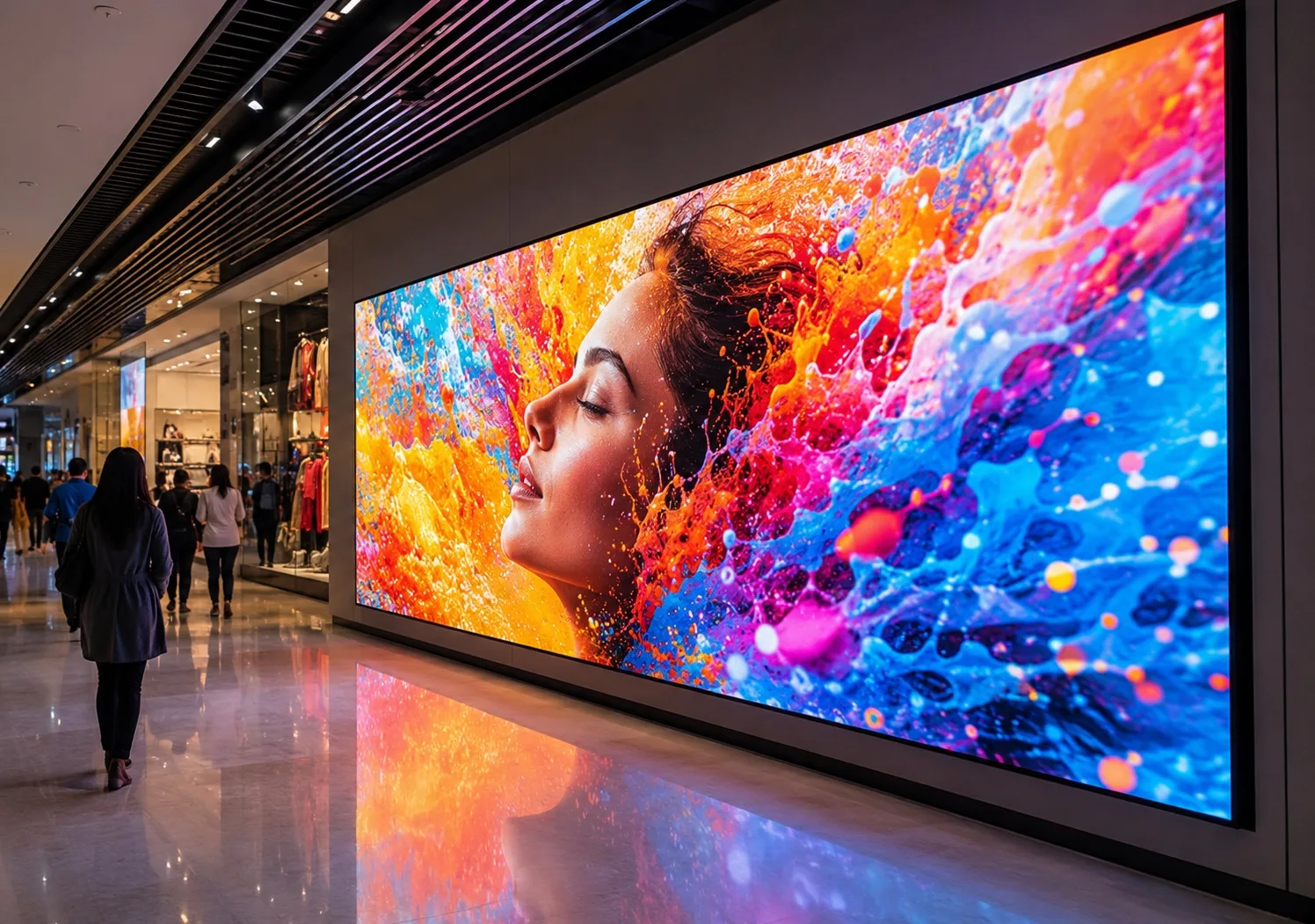
A rental LED display is not simply a fixed screen placed in a flight case. It is an event-production asset that will be transported, assembled, calibrated, operated, dismantled, and transported again. The right system helps a crew build reliably under deadline pressure. The wrong one creates extra labor, damaged modules, inconsistent pictures, and stressful troubleshooting minutes before doors open.
This guide is written for event rental companies, production managers, churches, concert organizers, exhibition contractors, and other buyers comparing a rental LED display screen for repeated use. It focuses on the decisions that affect image quality, setup efficiency, operating risk, and total ownership cost.
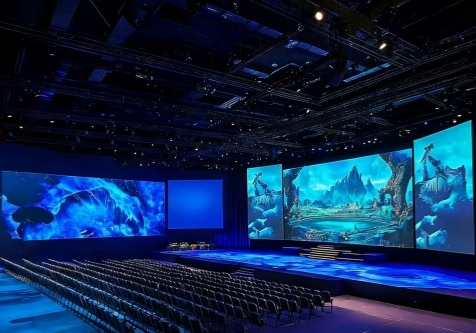
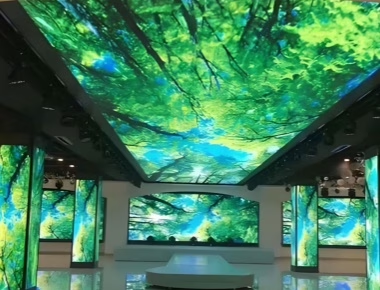
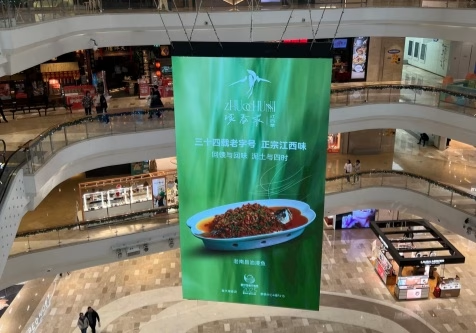
Rental-grade LED cabinets are designed for repeated installation and dismantling rather than permanent mounting.
Start With the Event, Not the Product Specification
Before comparing cabinet models, define how the screen will actually be used. A corporate conference, touring concert, church production, and outdoor festival may all need an LED rental screen, but they create different technical and operational demands.
Document the following for each common job:
- Indoor or outdoor installation.
- Screen width, height, aspect ratio, and total display area.
- Nearest and farthest viewing distances.
- Ground-supported, wall-mounted, or flown installation.
- Expected daylight, stage-lighting, and camera conditions.
- Event duration and allowable setup time.
- Available power, signal sources, and control position.
- Frequency of transport and expected annual utilization.
- Local crew experience and on-site spare-parts requirements.
Buyers building a broad inventory should also review the available rental LED display range before fixing a cabinet size or pixel pitch. The goal is not to buy one screen for every theoretical application. It is to choose a platform that covers the company’s most profitable and repeatable jobs.
Indoor and Outdoor Rental LED Displays
Indoor rental displays normally prioritize close viewing, image detail, controlled brightness, and camera performance. Outdoor systems must also address rain, dust, sunlight, temperature changes, wind loading, drainage, protected connectors, and safe temporary structures.
| Decision Area |
Indoor Events |
Outdoor Events |
| Typical environment |
Conference halls, churches, exhibitions, studios, indoor stages |
Festivals, outdoor concerts, sports events, public celebrations |
| Main visual concern |
Close-range detail, contrast, comfortable brightness, camera compatibility |
Daylight visibility, weather resistance, long-distance viewing |
| Main operational concern |
Quiet, clean installation and fast access in limited space |
Weather planning, structural safety, protected power and data |
| Questions for the supplier |
Minimum viewing distance, refresh options, grayscale behavior, service access |
Tested protection level, brightness control, wind-load plan, drainage and backup procedure |
An outdoor label alone is not enough. Ask which side of the cabinet is protected, how connectors are sealed, what installation conditions the rating assumes, and how the system should be operated during severe weather. The screen specification and the temporary structure must be reviewed as one system.
Choose Pixel Pitch From Viewing Distance and Content
Pixel pitch is the center-to-center distance between adjacent pixels. A smaller pitch increases pixel density and can improve detail at close range, but it also raises equipment cost and processing requirements. A larger pitch may be appropriate when the audience is farther away and the content consists mainly of live video, branding, or large text.
Do not select pitch from a single universal distance chart. First calculate the screen’s native pixel dimensions, then test representative content from the closest important viewing position. Fine text, presentation slides, worship lyrics, sponsor logos, and live IMAG feeds do not place the same demand on the display.
Ask the supplier to provide:
- The proposed screen size and resulting native resolution.
- A pixel map for the planned video canvas.
- Photos or a demonstration viewed from the project’s realistic distance.
- Alternative pitch options with their cost, weight, power, and inventory implications.
Brightness Is an Operating Range, Not a Competition
More brightness is useful only when the environment requires it. Excessive output indoors can make content uncomfortable, reduce perceived image quality, complicate camera exposure, and increase power use. Outdoor daytime events need sufficient output to compete with ambient light, while evening shows require smooth dimming and good grayscale performance at lower levels.
Confirm whether the quoted brightness is typical or maximum, how it is measured, and how uniformity changes after repeated use. For a mixed inventory, evaluate whether indoor and outdoor cabinets can be managed consistently without creating unnecessary model complexity.
Refresh Rate and Camera Performance Must Be Tested Together
Concerts, conferences, worship services, and hybrid events are frequently recorded or streamed. A high refresh-rate figure is helpful, but it does not by itself guarantee a clean camera image. Scan mode, driver IC, shutter speed, frame rate, processor configuration, grayscale performance, and brightness level all influence the result.
Include a camera test in the acceptance process. Test the actual camera family where possible, use realistic shutter settings, and inspect the screen at both normal and reduced brightness. Look for scan lines, banding, flicker, color shifts, and lost shadow detail.
For stage-focused requirements, compare the cabinet, shape, and production options available for a concert LED display. This is more useful than relying on a refresh-rate number without considering the complete production workflow.
Cabinet Design Determines Setup Speed
A rental cabinet earns its value during handling. Inspect the frame, locks, alignment pins, handles, corner protection, module access, power box, connectors, and flight cases. A lightweight cabinet can reduce handling effort, but low weight should not come at the expense of flatness or structural stability.
During a demonstration, ask a technician to complete a realistic build rather than presenting one preassembled panel. Check whether one person can align and lock cabinets safely, whether mixed cabinet sizes maintain alignment, and whether modules or power units can be replaced without dismantling a large section of the wall.
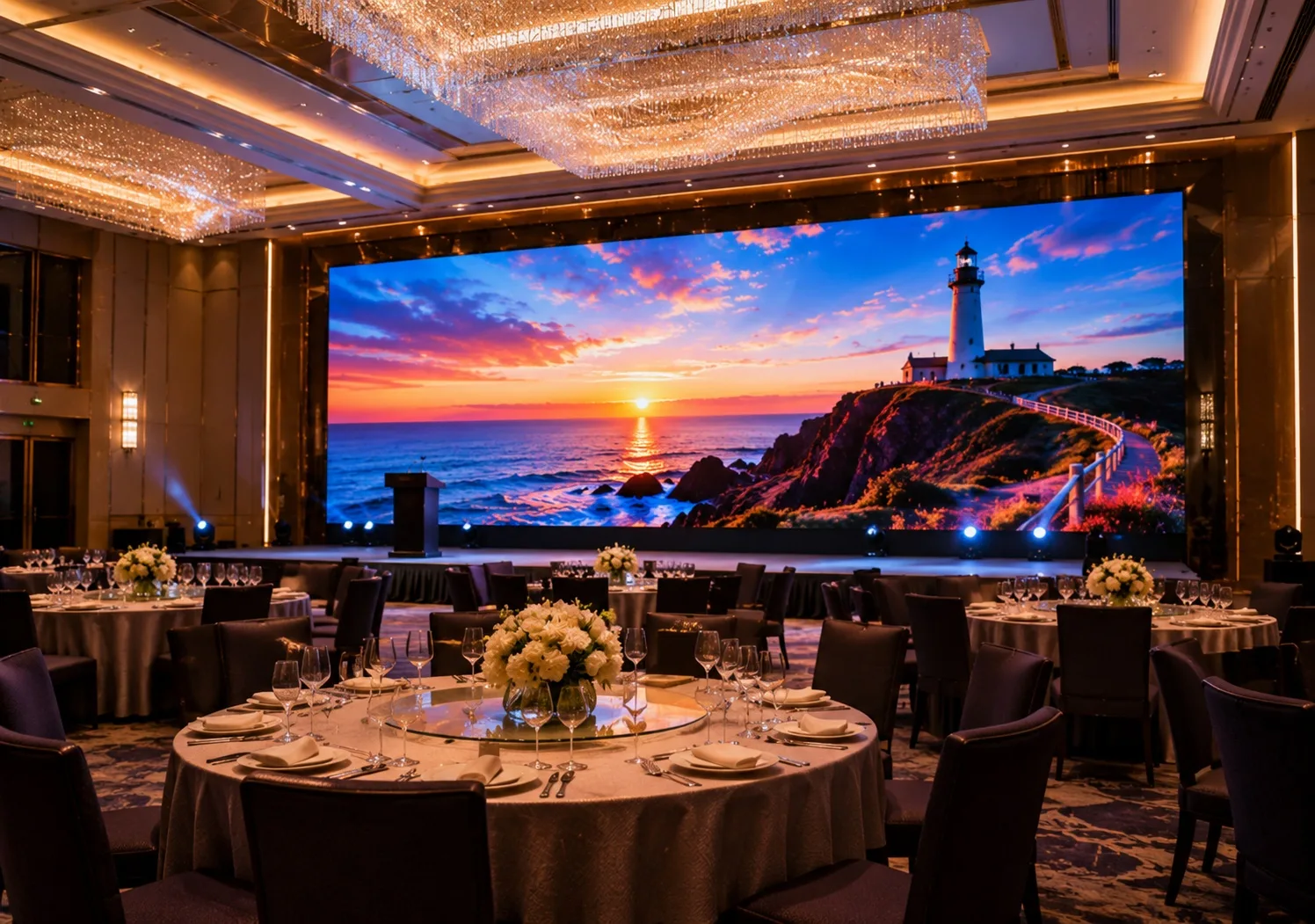
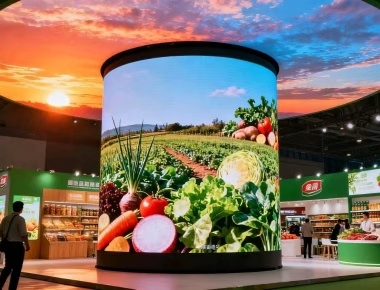
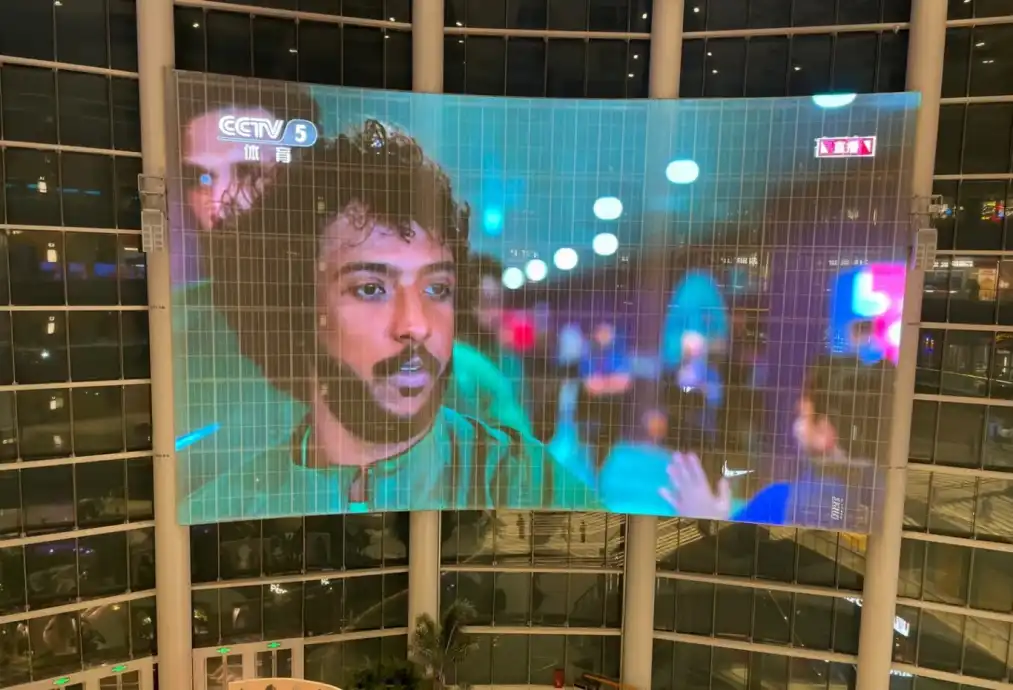
Corporate productions often require fast installation, clean cable management, accurate presentation content, and stable camera performance.
Flat, Curved, and Creative Builds
If curved stages or creative layouts are part of the business model, verify the available angle range, locking increments, frame requirements, and content-mapping workflow. A cabinet advertised as “curvable” may support only particular angles or require additional hardware. Confirm whether the same inventory can create both concave and convex walls and how the curve affects total screen dimensions.
Serviceability Matters More Than a Long Feature List
Event downtime is expensive because the failure window is measured in minutes. A useful rental platform should allow the crew to identify and replace common failure points quickly. Ask whether LED modules, receiving cards, power supplies, and power boxes can be serviced from the front, rear, or both sides.
A practical spare-parts package may include:
- Calibrated spare modules from the same production batch.
- Power supplies, receiving cards, and data cables.
- Power and signal jumpers.
- Cabinet locks and frequently worn hardware.
- Module removal and test tools.
- Backup processor or configured control components for critical shows.
Confirm how replacement modules are calibrated so that brightness and color remain consistent. Also ask how technical support works across time zones and what diagnostic information the supplier requires when a fault occurs.
Calculate Total Cost of Ownership
The purchase price of the LED panels is only one part of the investment. A lower initial quote can become expensive if the system requires more labor, suffers frequent lamp damage, uses incompatible accessories, or cannot be deployed across enough event types.
Include these items in the commercial comparison:
- LED cabinets and required spare percentage.
- Processors, receiving cards, cabling, distribution, and control equipment.
- Hanging bars, ground-support hardware, curve locks, and safety accessories.
- Flight cases and shipping volume.
- Power distribution and regional connector requirements.
- Training, commissioning, calibration files, and documentation.
- Routine repairs, consumables, and replacement-part availability.
- Crew hours for loading, setup, testing, dismantling, and maintenance.
Event companies should compare cost per deployment, not only cost per square meter. A system that builds faster, travels efficiently, and covers more types of jobs may deliver a better return even when its purchase price is higher.
Match the Screen to the Application
Concerts and Festivals
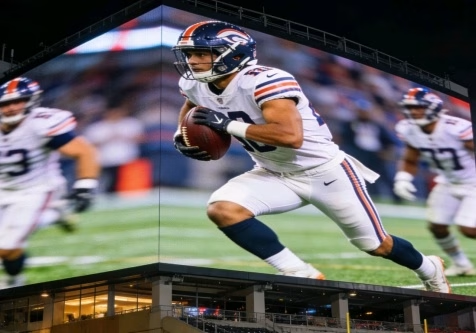
Main-stage and side-screen systems must support live camera feeds, stage lighting, repeated transport, fast rigging, and contingency planning. Outdoor shows also need an agreed shutdown plan for weather conditions. Review the complete rental LED display solution rather than treating panels, processing, structure, and support as unrelated purchases.
Corporate Events and Exhibitions
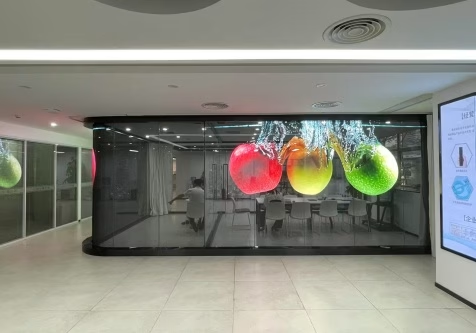
These projects often have shorter setup windows and closer audiences. Fine text, branded colors, presentation aspect ratios, clean cable paths, and low-profile structures can matter more than maximum brightness. Verify how laptops, presentation switchers, cameras, and backup sources connect to the LED processor.
Churches and Worship Events
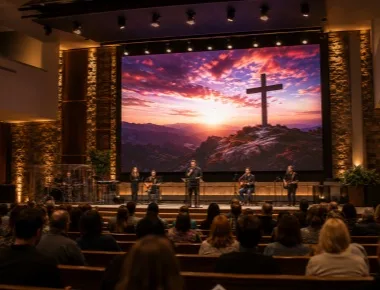
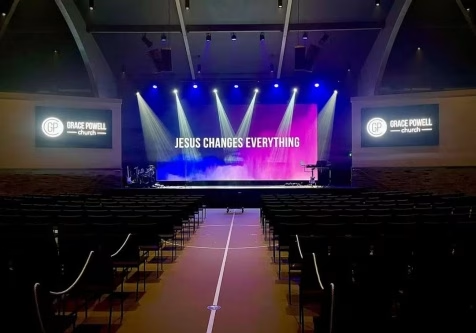
Church buyers commonly need readable lyrics, sermon content, IMAG, livestreaming, and simple operation by mixed-skill teams. A permanent sanctuary and a touring worship event may require different cabinet and service strategies. Buyers serving this market can review the dedicated church LED display options and then confirm viewing distance, camera workflow, installation access, and budget.
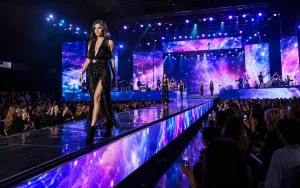
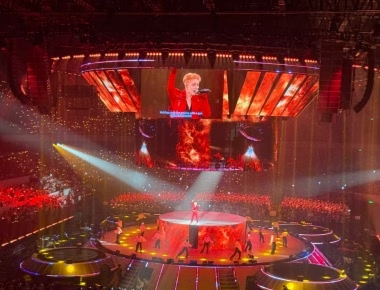
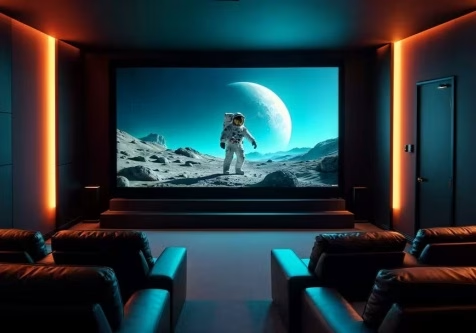
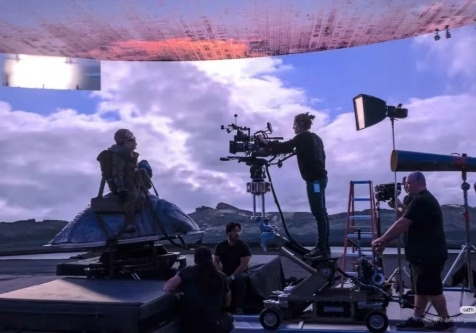
Concert applications combine visual performance with rigging, transport, weather, camera, and show-continuity requirements.
Supplier Evaluation Checklist
Before placing an order, ask each supplier to respond to the same project brief. This makes quotations easier to compare and exposes assumptions that may otherwise appear only after delivery.
| Area |
Evidence to Request |
| Configuration |
Cabinet model, pitch, screen resolution, brightness range, refresh configuration, indoor/outdoor suitability |
| Mechanical system |
Cabinet drawings, weight, lock details, hanging/stacking method, curve options, service access |
| Control system |
Processor model, input/output plan, redundancy options, configuration files, operator workflow |
| Quality verification |
Pre-shipment test process, module uniformity check, camera test, aging procedure, packing inspection |
| Commercial scope |
Included accessories, spare parts, flight cases, training, warranty terms, lead time, shipping terms |
| After-sales support |
Response process, remote diagnostics, replacement-part lead time, repair documentation |
Information to Include in Your RFQ
A useful quotation begins with a useful project brief. Send the supplier the installation location, indoor or outdoor environment, required dimensions, nearest viewing distance, expected audience size, content type, camera requirements, mounting method, quantity, delivery deadline, and budget range. If the screen will join an existing inventory, include cabinet dimensions, control platform, power standard, and compatibility requirements.
Also state whether you need a single project configuration or a flexible inventory package. This allows the supplier to recommend the screen, processor, spares, structure, and accessories as one working system.
Frequently Asked Questions
What is the difference between a rental LED display and a fixed LED display?
A rental system is designed for frequent transport, quick locking, repeated assembly, and convenient field service. A fixed system is optimized for a long-term installation. The correct choice depends on how often the screen moves, the available service access, and the installation structure.
Which pixel pitch is best for a rental LED screen?
There is no universal best pitch. Choose it from the screen dimensions, native resolution, nearest important viewing distance, content detail, and budget. Test representative content before final approval.
How much brightness does an event LED screen need?
Brightness should match ambient light and operating conditions. Indoor stages need controllable output and good low-brightness image quality; outdoor daytime events need stronger daylight visibility. Ask for a usable brightness range rather than choosing only by the maximum value.
Is a high refresh rate enough for livestreaming?
No. Refresh rate is important, but camera results also depend on scan mode, driver configuration, shutter speed, frame rate, brightness, grayscale, processing, and calibration. Include a camera test in the acceptance procedure.
How many spare modules should an event company buy?
The appropriate quantity depends on screen size, transport frequency, event criticality, service location, and replacement lead time. Ask the supplier to recommend a documented spare package covering modules, power, receiving, cabling, and common mechanical parts.
Final Buying Advice
A rental LED display should be evaluated as a repeatable event-production system. Start with the jobs you intend to serve, then compare visual performance, cabinet handling, service access, processing, spares, logistics, and technical support. A disciplined pre-shipment and camera test is more valuable than relying on headline specifications alone.
For a project-based recommendation, provide the installation location, screen dimensions, viewing distance, expected pixel pitch or brightness requirement, indoor/outdoor conditions, quantity, event schedule, and budget range. These details allow the supplier to prepare a configuration that can be evaluated technically and commercially before purchase.